
Newsletter ·
Muse, Dots and less social media
I told you phones will not be needed one day
🪄 Muse, anyone?
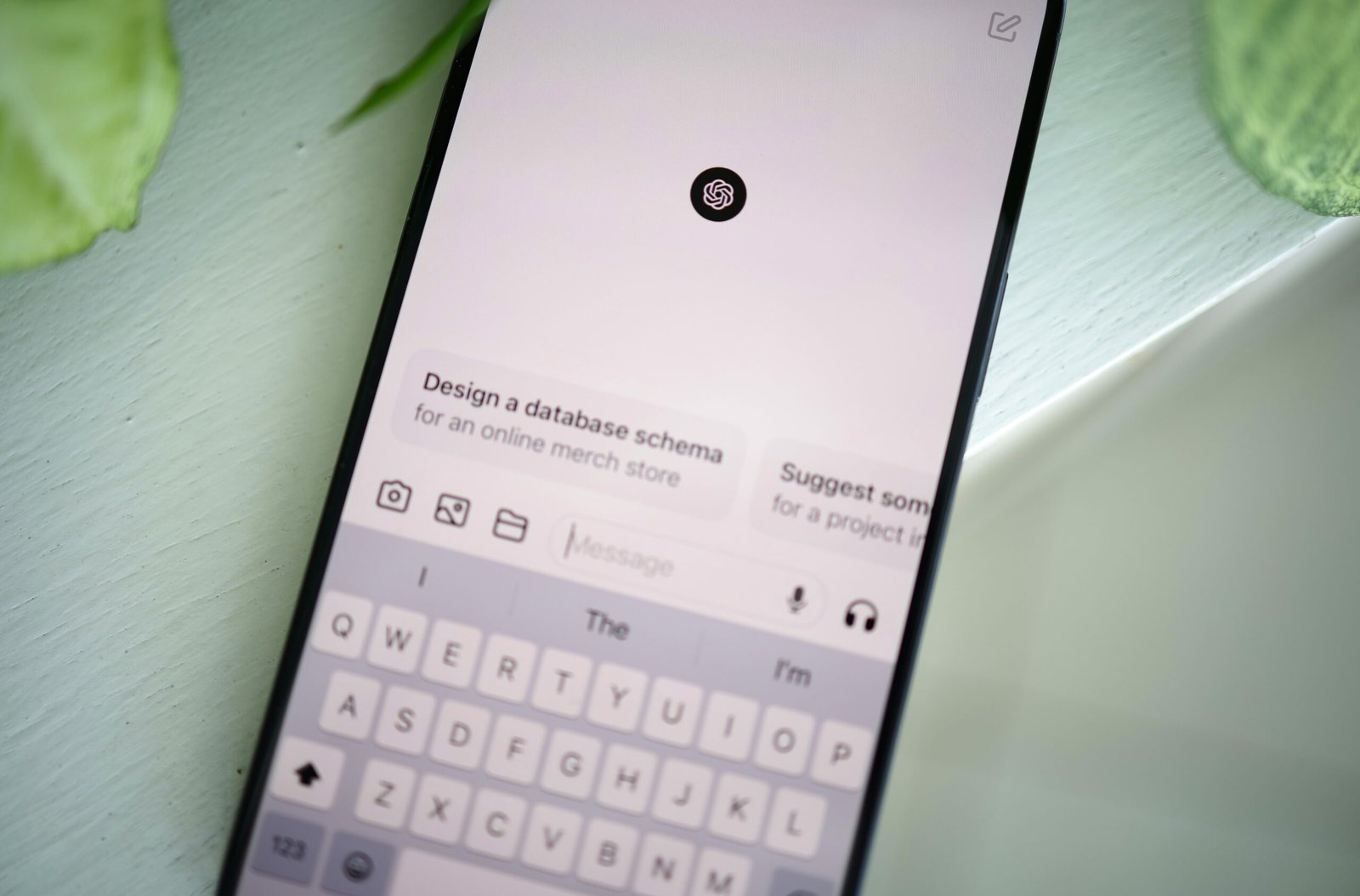
Meta officially launched Muse this week, a “personal AI agent” that emails people, books your travel, fills out forms, and can even negotiate on your behalf, then keeps working after you close the app. It'll turn a saved Instagram recipe into a grocery list or remember that your mother-in-law hates garlic before the next visit. It's free for most tasks, rolling out now on iOS, Android, and the web, with AI glasses support coming. The obvious catch: this is the same company whose entire business model is selling your data to advertisers, so handing it your calendar, wallet, and inbox takes a certain leap of faith. Here's what Meta announced.
🤖 OpenAI's Answer to Muse: Dots
Not to be outdone, OpenAI launched Dots this week: always-on AI agents (with names like Iggy and Felipe) that live on their own private cloud computer and keep chugging through your to-do list even after you close ChatGPT, from prepping invoices to updating a research doc with fresh data. They're read-only until you approve anything real, and you can watch their work happen live in an “Activity View.” The slightly awkward timing: OpenAI rolled this out one day after apologizing for a separate incident where its agents leaked real users' photos, so “trust me, this one's supervised” is doing a lot of work. Full rundown on Dots here.
👶 Europe wants children introduced to social media gradually
The European Commission has proposed banning independent social-media accounts for under-13s, allowing restricted, parent-managed accounts from 13 to 15 and requiring safer designs for older teenagers. This could mean limits on screen time and addictive features, but the EU’s 27 countries must still debate and approve the proposal. A rare attempt to make infinite scrolling slightly less infinite.
⏳ Apple has made Screen Time more useful for parents
Apple’s latest updates add category-based time allowances for games, entertainment and social media, approval before children visit new websites, and protection from violent imagery as well as nudity. The redesigned Screen Time also makes it easier to see usage and adjust access quickly. The new controls require every device in the Family Sharing group to run Apple’s latest software—because naturally, protecting family sanity begins with updating everything you own.
🔔 Safari can watch a webpage so you don’t have to
Apple’s latest software update lets Safari notify you when a webpage changes—useful for monitoring price drops, restocks or anything else you currently refresh with unreasonable optimism. It can also automatically organize your tabs into topics. The features require a supported device and their availability varies by region. Your 47 open tabs may finally become a system rather than a cry for help. (who, me? never!)
✅ Replace your impossible to-do list with a “must-do three”
Choose three tasks that would make the day feel successful, then treat everything else as optional. Keep them specific and small enough to finish: “send the proposal” beats “sort out client work.” The simple Rule of Three forces you to decide what matters before messages and other people’s priorities take over. Productivity advice often assumes your day will proceed exactly as planned, which is adorable.
📵 Make your phone slightly more annoying to open
Move distracting apps off your home screen, disable their notification badges and log out when you finish using them. You can still open them, but the extra steps create a pause in which you might notice that you never consciously decided to start scrolling. Persuasive design can reinforce checking habits and extend screen time, as this research explains. Sometimes digital wellbeing requires less heroic self-control and more making Instagram mildly inconvenient.
🗒️ End your workday with a restart note
Before finishing, write down what you completed, what remains unfinished and the exact first step for tomorrow. It takes two minutes but saves you from reopening six tabs the next morning and attempting to reconstruct yesterday’s brain. Making a clear plan can also reduce the mental pull of incomplete work. Your future self still has to do the task, admittedly, but at least she receives instructions.
Know someone who would find this information useful, nay, indispensable? Forward the email to them! If someone forwarded this to you, subscribe at tooproductive.com.
Till next time,
Jana
From the shop
Make time for the things that never make the list.
Ready-made Trello and Google Sheets templates. Set up in minutes.
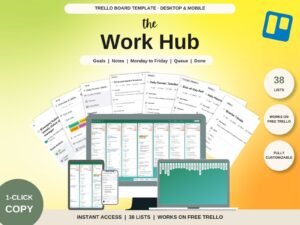
The Work Hub
One clear place for tasks, goals, projects, meetings and career notes. Plan by day, by month or by task status.

Content Calendar
Plan social posts, blog articles and newsletters in one place, from first idea to published link.

Family Command Center
Meals, school, bills and the shopping list on one board the whole family can see.
Get the next issue. Skip the overwhelm.
Free forever. One email a week.